 Click to zoom · 6 photos
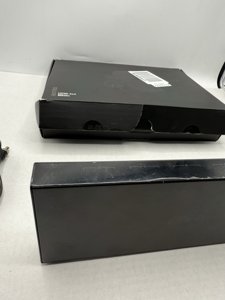
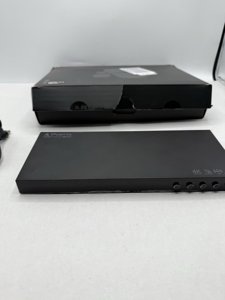
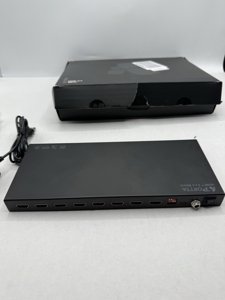
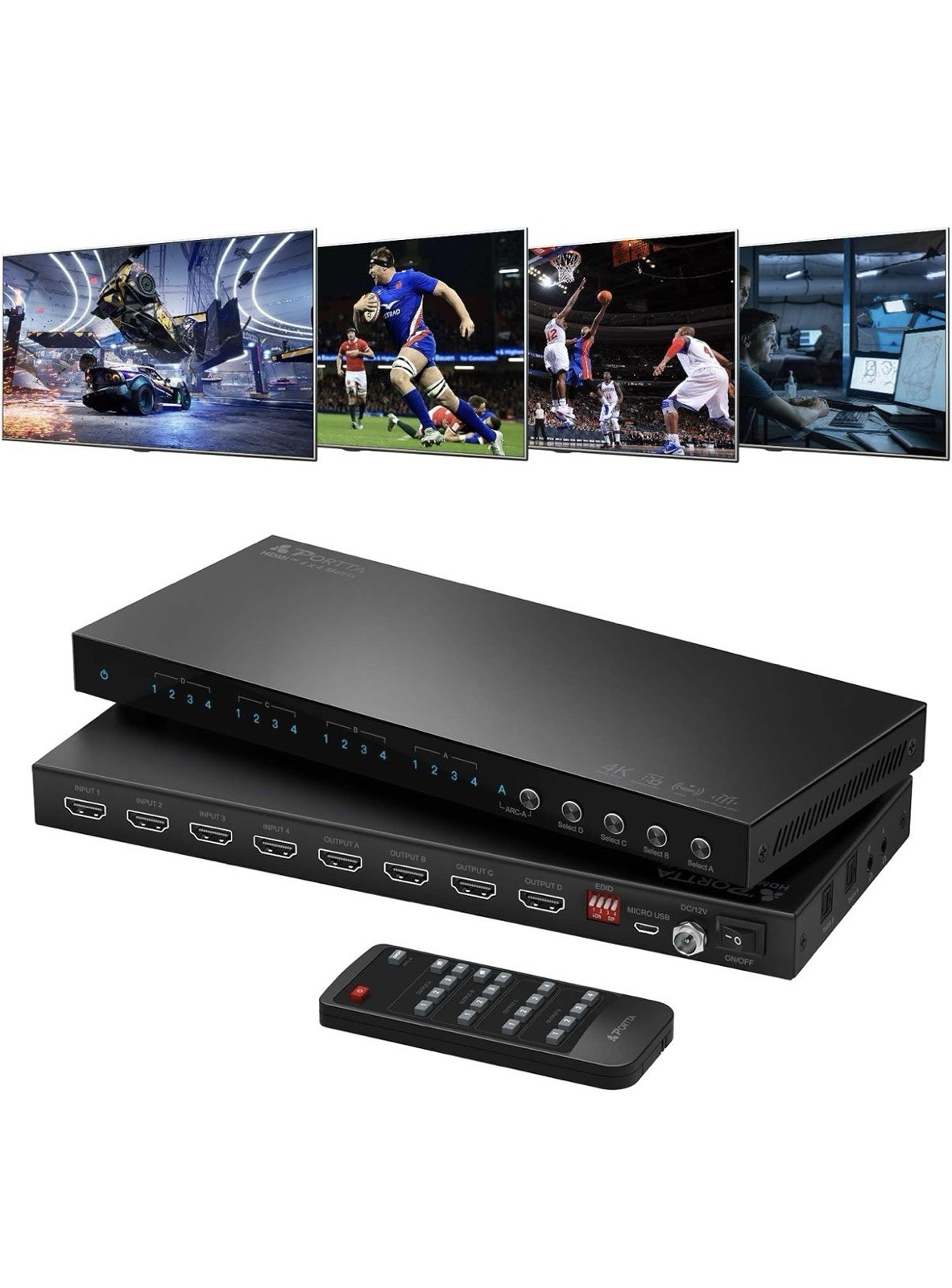
PORTTA 4x4 HDMI Matrix 4K 60Hz 4:4:4, 4 in 4 Out Switch Splitter
SKU: EBY-316665545649
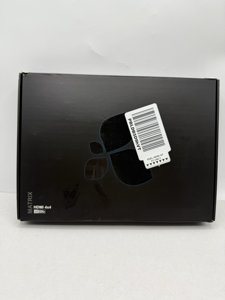
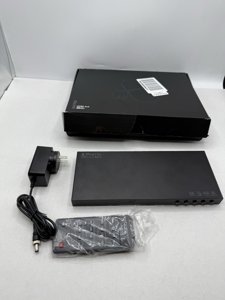
Condition: Open box
Brand: Portta
✓ Free Shipping
Item Details
Description
PORTTA 4x4 HDMI Matrix 4K 60Hz 4:4:4, 4 in 4 Out Switch Splitter
The 4K HDR HDMI Matrix supports a matrix switch between 4 input devices onto 4 output displays, the 4 output signals can be the same or different. Perfect for lecture halls, conferences, CCTV security monitoring, Gaming centers, and exhibitions, etc. NOTE: Support PC/Laptop SST mode only, does not support MST mode.
【4K 60Hz Resolution & HD Audio Formats】Support 4K@60Hz 4:4:4, 1080P@120Hz, 1440P@ 120Hz, HDMI 2.0, HDCP 2.3, HDCP 2.2 / 1.4, HDR10, 3D, 18Gbps bandwidth, LPCM2.0/5.1/7.1, DTS, DTS-HD Master Audio, and TrueHD audio formats.
【Support ARC, Audio Extractor, Downscale & EDID】ARC: Only Output A support ARC. Audio Extractor: Enables audio extraction from HDMI Output A and Output B, and simultaneously splits it to Toslink and 3.5mm. Downscale: When in 1x2, 1x3, or 1x4 splitter mode, it can downscale the input 4K (4K@60Hz 4:4:4/4:2:2/4:2:0 HDR 10) to 1080p on 1080p FHD displays while simultaneously outputting 4K on 4K displays. EDID: Presents 16 manual EDID setting options to ensure compatibility between different devices. Note: To use the ARC function, please connect OUTPUT A directly to the TV's HDMI ARC port.